About the Course
Classfort Institute's Video Editing course focuses on practical, project-based learning. Learn sequence settings, masking, motion tracking, transitions, sound effects, chroma keying, and AI editing tools to become a professional editor.
Work on real-world assets, podcasts, and Instagram reels to build an industry-ready portfolio.
What You'll Get
2 Months
Online & Offline
Beginner to Advanced
100% Practical & Project-Based
Interactive Road Map
A structured 4-phase learning path taking you from foundations to industry-ready professional.
- DAY 1 - Interface Introduction, Create New Project, Import Files & Basic Video Cuts
- DAY 2 - Sequence Settings, File Management, Folder Structure & Timeline Setup
- DAY 3 - Effect Controls, Text Editing & Title Appearance
- DAY 4 - Keyframes, Basic Animation & Graph Understanding
- DAY 5 - Text Animation & Essential Graphics
- DAY 6 - Timeline Lineup, Tool Bar & Editing Workflow
- DAY 7 - Masking, Motion Tracking & Object Tracking
- DAY 8 - Transitions, Video Effects & Presets
- DAY 9 - Premiere Composer, Plugins & Workflow Tools
- DAY 10 - Color Correction & Basic Color Grading
Basic Video Sequence & Multi-cam Setup
- DAY 1 - Audio Editing, Sound Effects & Audio Cleanup
- DAY 2 - Green Screen Removal & Chroma Key
- DAY 3 - Speed Ramping, Slow Motion, Captions & AI Tools
- DAY 4 - Typography, Font Pairing & Basic Color Theory
- DAY 5 - Professional Editing Tips & Time Saving Tricks
- DAY 6 - Instagram Reel Editing – Part 1
- DAY 7 - Instagram Reel Editing – Part 2
- DAY 8 - Podcast Editing – Part 1
- DAY 9 - Podcast Editing – Part 2
- DAY 10 - Portfolio Building, Export Settings & Doubt Solving
Polished Reel & Podcast Edits
- DAY 1 - INTERFACE, IMPORT VIDEOS, COMPOSITION SETTING
- DAY 2 - KEYFRAMES, GRAPH EDITOR, TRANSFORM PROPERTIES
- DAY 3 - Basic editing, Cuts, Transitions
- DAY 4 - Masking and track mattes, rotoscopy
- DAY 5 - Text animation, Plugins, Animation composer
- DAY 6 - Scene Parallax and 3d camera
- DAY 7 - Green screen removal
- DAY 8 - Camera tracking, motion tracking
- DAY 9 - Color correction and roto brush
- DAY 10 - Movie Intros
Kinetic Typography & VFX Track
- DAY 1 - Speed ramping and slow motion
- DAY 2 - Effect and presets
- DAY 3 - Plugins and tips
- DAY 4 - Editing of a shot - 01
- DAY 5 - Editing of a shot - 02
- DAY 6 - Dhruv rathee edit - 01
- DAY 7 - Dhruv rathee edit - 02
- DAY 8 - Magnet media editing - 01
- DAY 9 - Freelancing class
- DAY 10 - Portfolio building
Final Video Showreel
What you will Learn in our
Video Editing Course
Adobe Premiere Pro
Master timeline cuts, multi-cam, essential graphics, color correction, and audio cleanup.
Adobe After Effects
Master keyframing, rotoscopy, motion tracking, roto brush, and advanced cinematic transitions.
Social Content Editing
Learn specialized Instagram Reel editing, podcast editing, speed ramping, and captions.
Portfolio Development
Build a showreel highlighting short films, promos, podcast cuts, and client edits.
Student Work Gallery
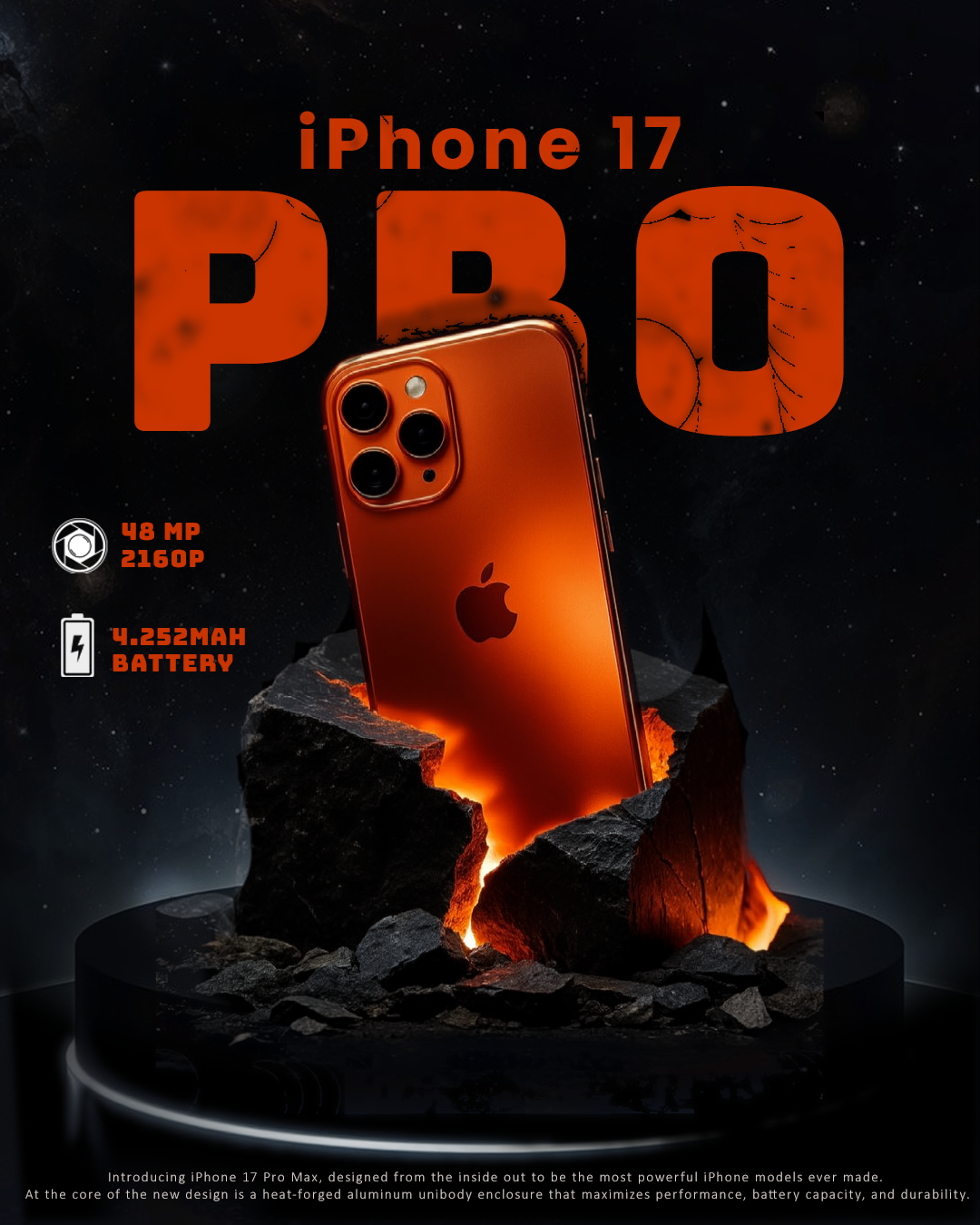
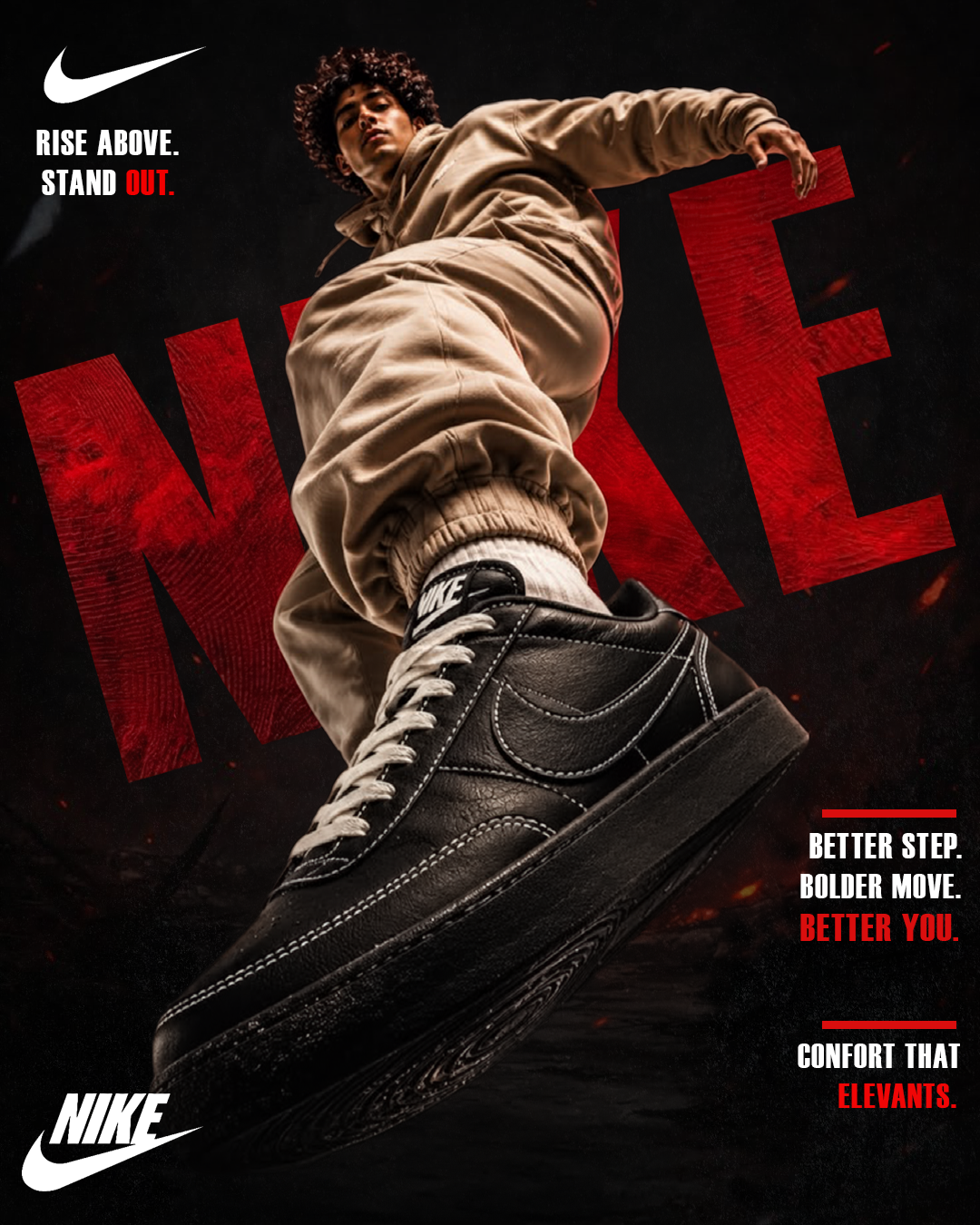
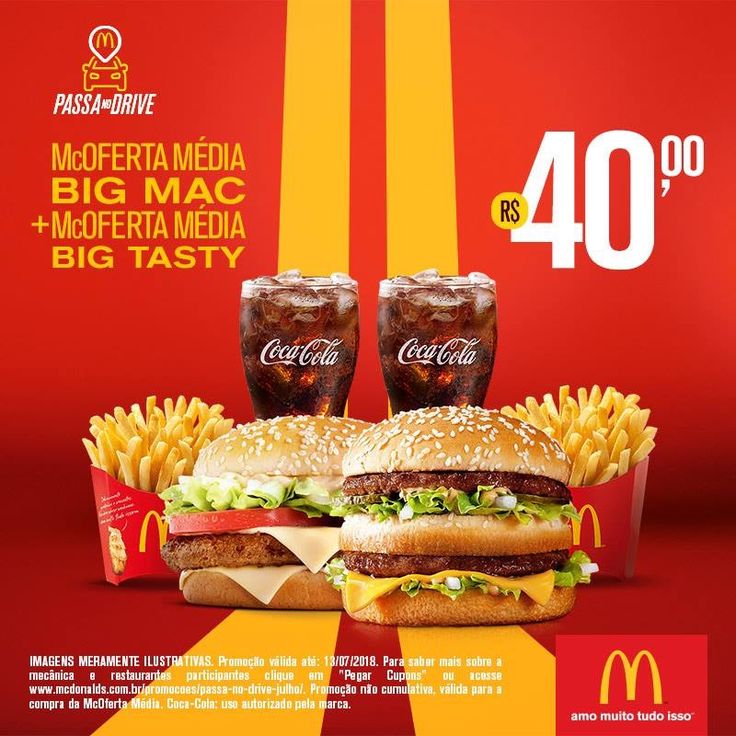
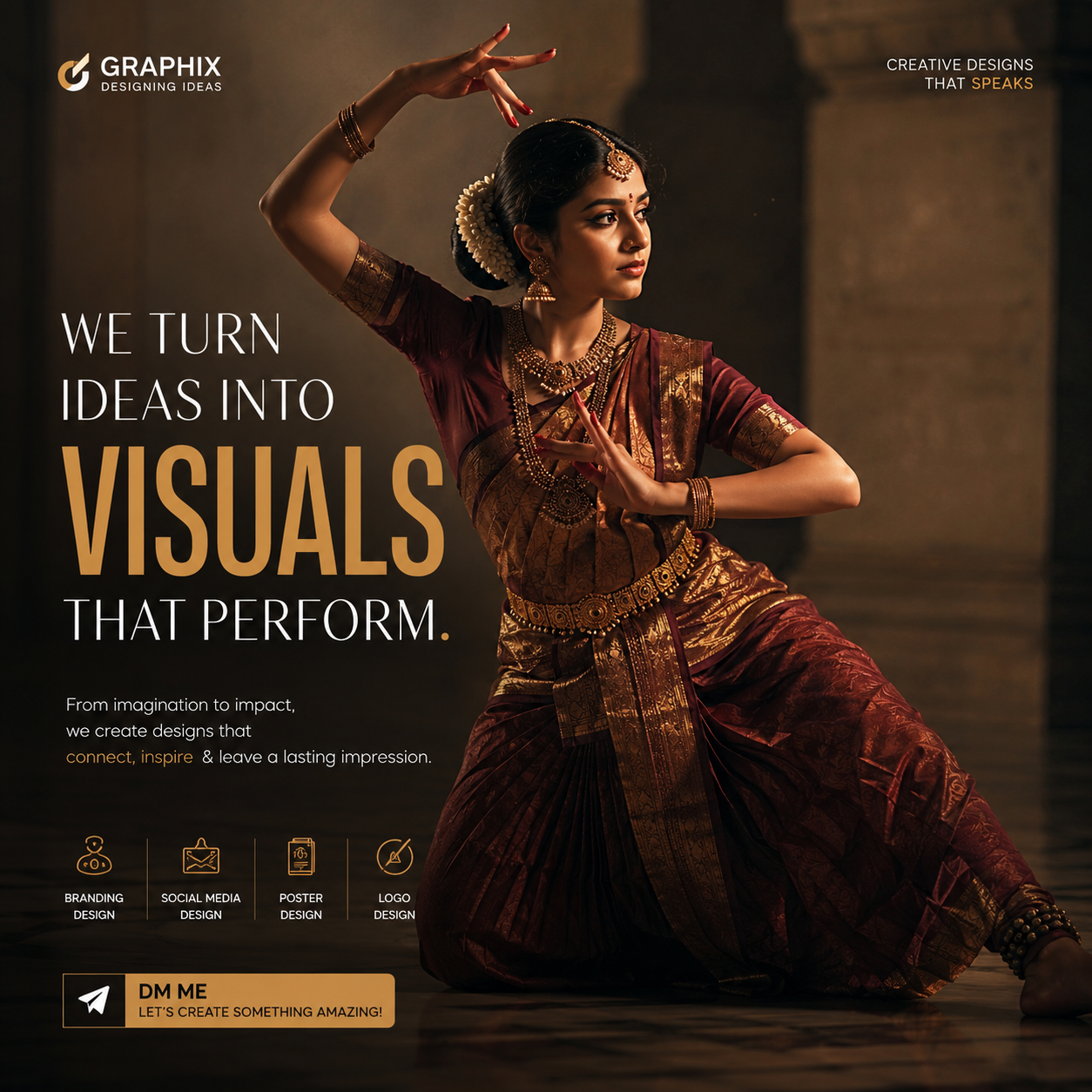
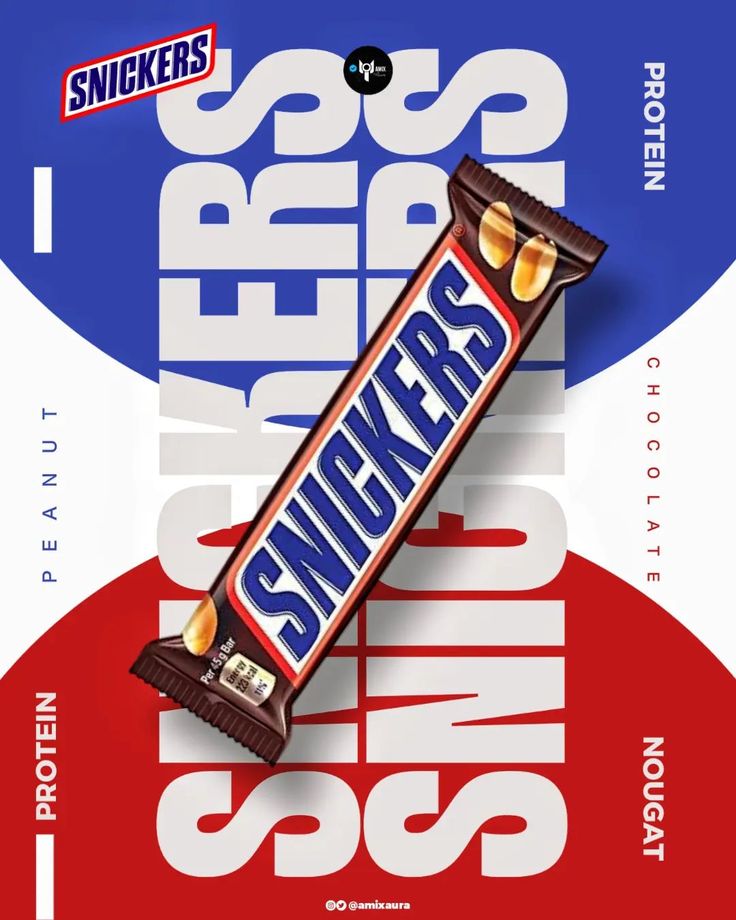
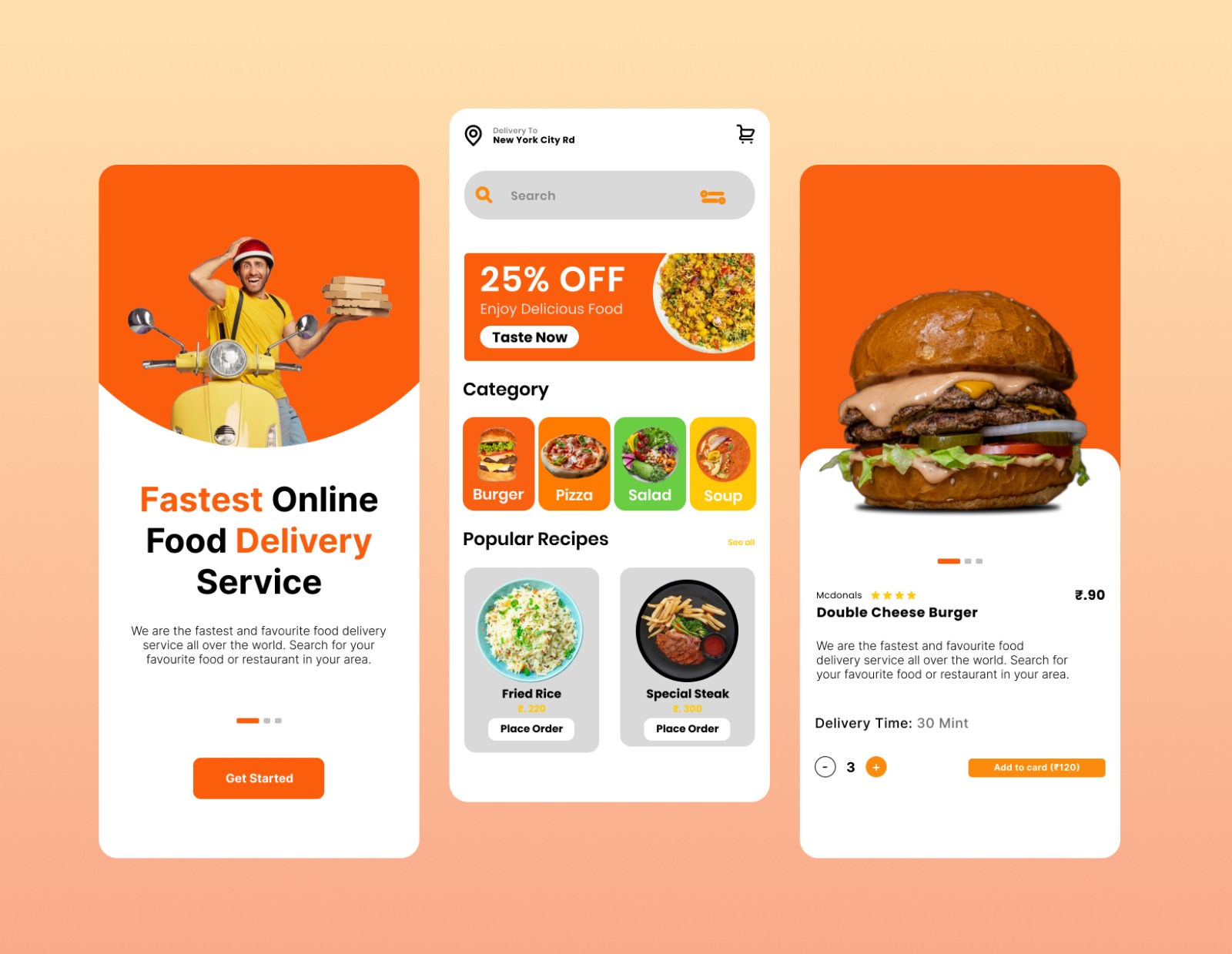
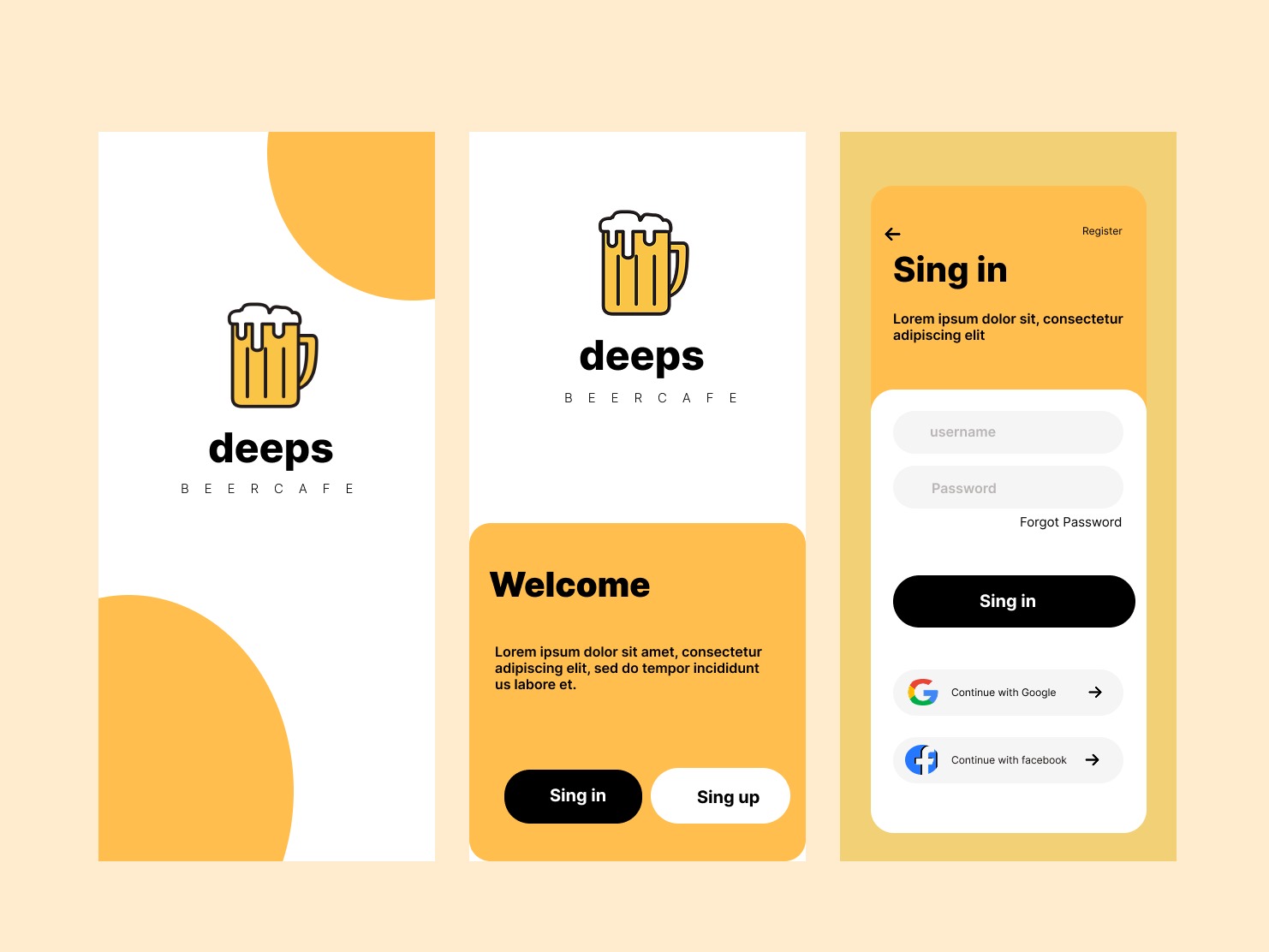
Real work created by our students during the course — branding, social media, motion reels, posters, and identity systems.

Our Placements
Our graduates have been placed at leading agencies, brands, and studios across India.
Frequently Asked Questions
Have a question not covered here? Reach out to our design leads directly and let's structure your customized creative path.
Ask Our LeadsThe primary tool is Adobe Premiere Pro. You will also work with After Effects for motion graphics integration, and learn AI tools.
Absolutely. We have dedicated sections covering YouTube-optimized editing, thumbnail design, retention hooks, and short-form content strategy.
Yes, we provide 100% placement assistance including agency introductions, portfolio audits, and freelancing mentorship.
Let's Build your
Creative Future
Schedule a free demo class and talk to our expert team about how this course can transform your creative career from day one.
Schedule a Demo