About the Course
Learn Adobe After Effects from scratch. Our 9-week comprehensive motion graphics program covers easing curves, Null parenting, stroke/scribble effects, puppet tool, walk cycles, particle dynamics, and camera projections.
Complete 20+ specialized assignments including character animation, 3D cubes, and explainer videos.
What You'll Get
9 Weeks
Online & Offline
Beginner to Advanced
100% Practical & Project-Based
Interactive Road Map
A structured 4-phase learning path taking you from foundations to industry-ready professional.
- DAY 1 - Interface, Composition Setting, Import, Export & Save
- DAY 2 - Tools & Shape Layer Properties
- DAY 3 - Easing & Graphs (Speed & Value)
- DAY 4 - Shape Add Options
- DAY 5 - Layer Style, Tools & Option Menu
- DAY 6 - Ball Bounce Animation
- DAY 7 - Animation Principles
- DAY 8 - Scene Animation
- DAY 9 - Layering & Overload
- DAY 10 - Masking (Track Matte)
Ball Bounce & Vector Scene Animation
- DAY 1 - Parenting & Null
- DAY 2 - Stroke & Scribble Effects
- DAY 3 - Shape Morphing
- DAY 4 - Text Match Cut
- DAY 5 - Scripts & Motion Tool
- DAY 6 - Plugins (Video copilot, red giant)
- DAY 7 - Swiss Knife & Expression
- DAY 8 - Text Animation
- DAY 9 - Logo Animation Part 1
- DAY 10 - Logo Animation Part 2
Shape Morphs & Match Cut Transitions
- DAY 1 - Character Rigging
- DAY 2 - Character Animation
- DAY 3 - Character Joystick & Slider
- DAY 4 - Animating Loop (Character Tool)
- DAY 5 - Character Walk
- DAY 6 - 3D Cube
- DAY 7 - Cinema 4D & Projection
- DAY 8 - Tips & Tricks
- DAY 9 - Transitions & Match Cut
- DAY 10 - Commercial ADs Creation & Project Breakdown
Rigged Character Loop Walk
- DAY 1 - Green Screen Removal (Keying)
- DAY 2 - Tips & Tricks
- DAY 3 - 2d & 3d Tracking
- DAY 4 - Particles
- DAY 5 - Composition, Color Grading & Folder Structure Maintain
- DAY 6 - Explainer Video Project
- DAY 7 - Extra Tools & Plugin
- DAY 8 - Character Animation & Motion Graphics
- DAY 9 - Social Presence, Content Creation & Client Reach
- DAY 10 - Portfolio Building, Job & Freelancing Guidance
Explainer Video & Showreel Portfolio
What you will Learn in our
Motion Graphics Course
After Effects Mastery
Master shape layers, parenting, expressions, graphs, easing, scripts, and keyframe interpolation.
Character Rigging
Rig and animate characters using Joystick & Slider, walk cycle loops, and character tools.
Advanced VFX & CGI
Master green screen keying, 2D/3D camera tracking, 3D cubes, and particles in After Effects.
Explainer Videos
Design corporate and commercial explainer videos, logo animations, and transition sets.
Student Work Gallery
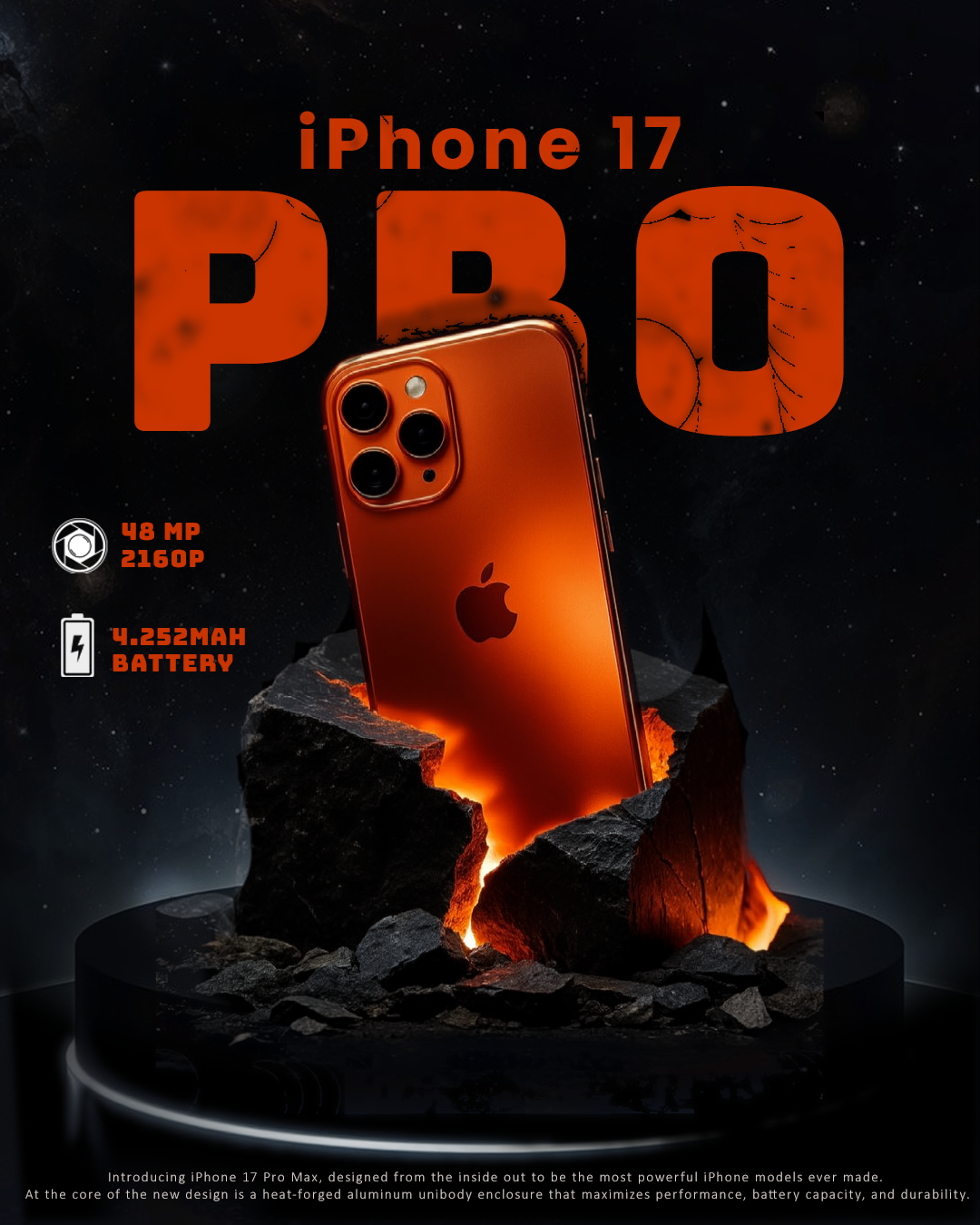
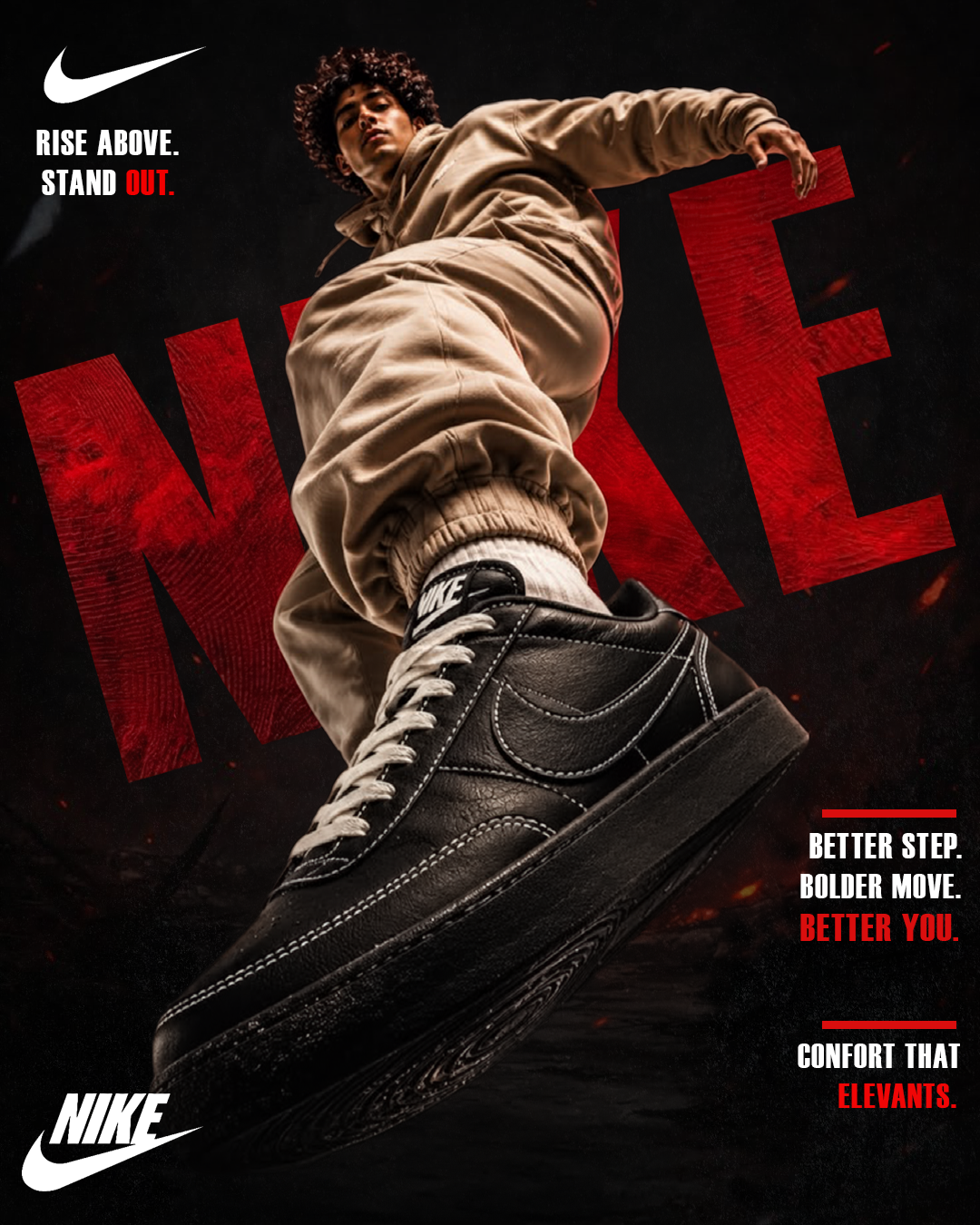
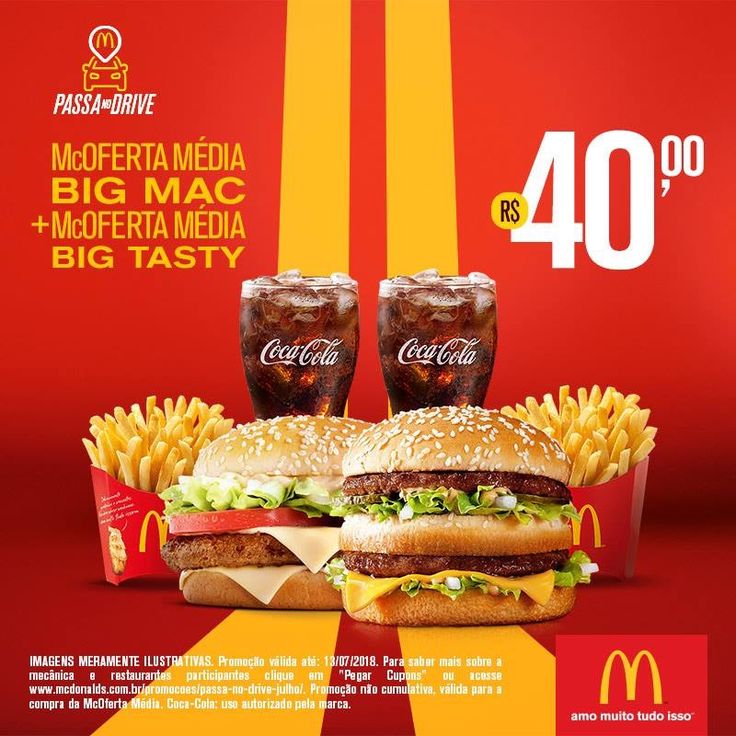
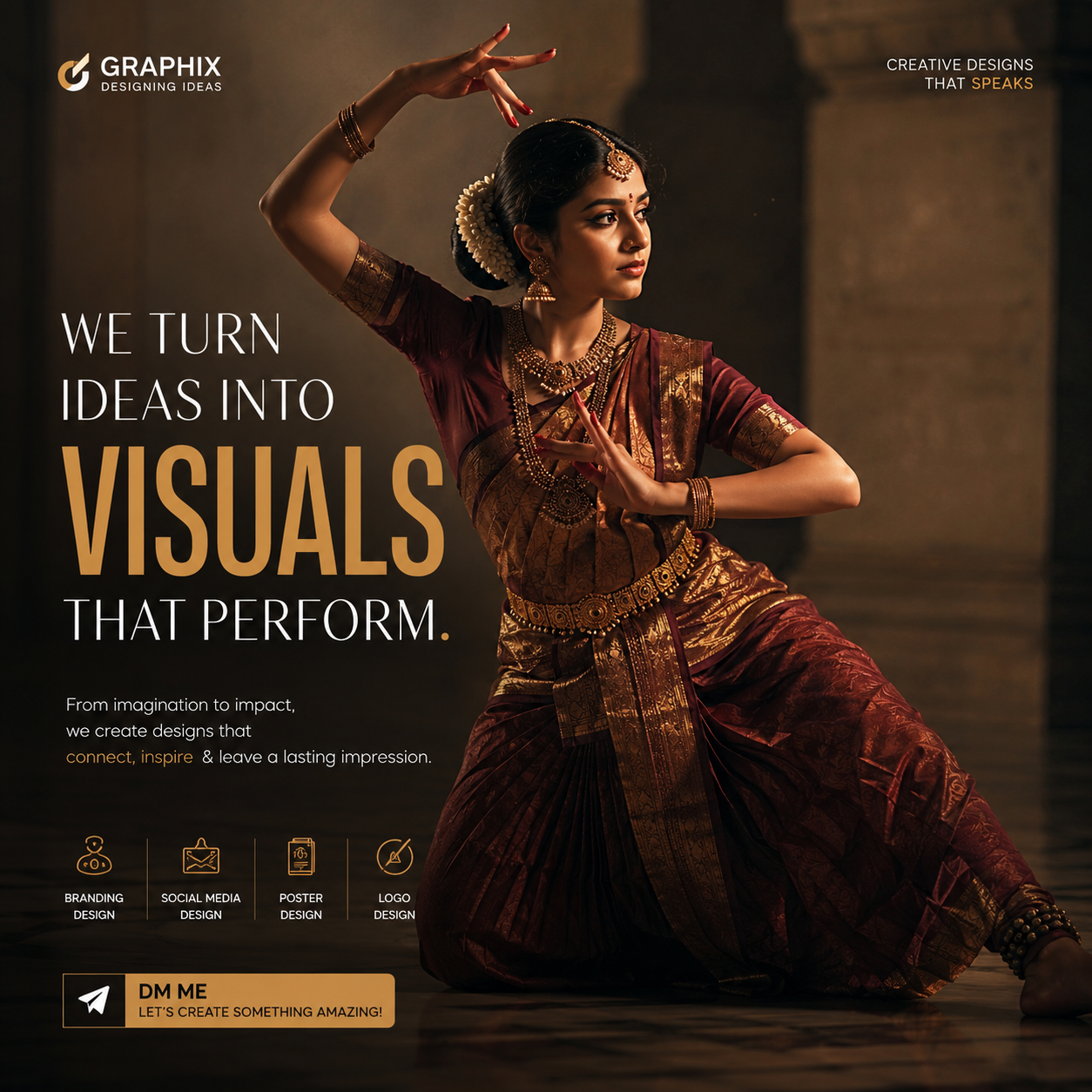
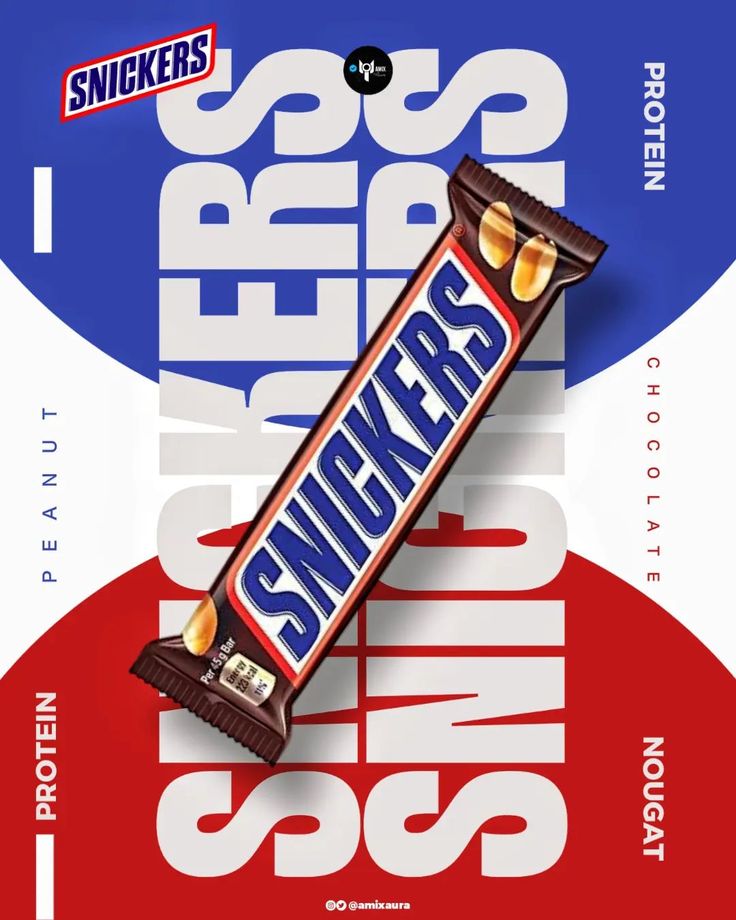
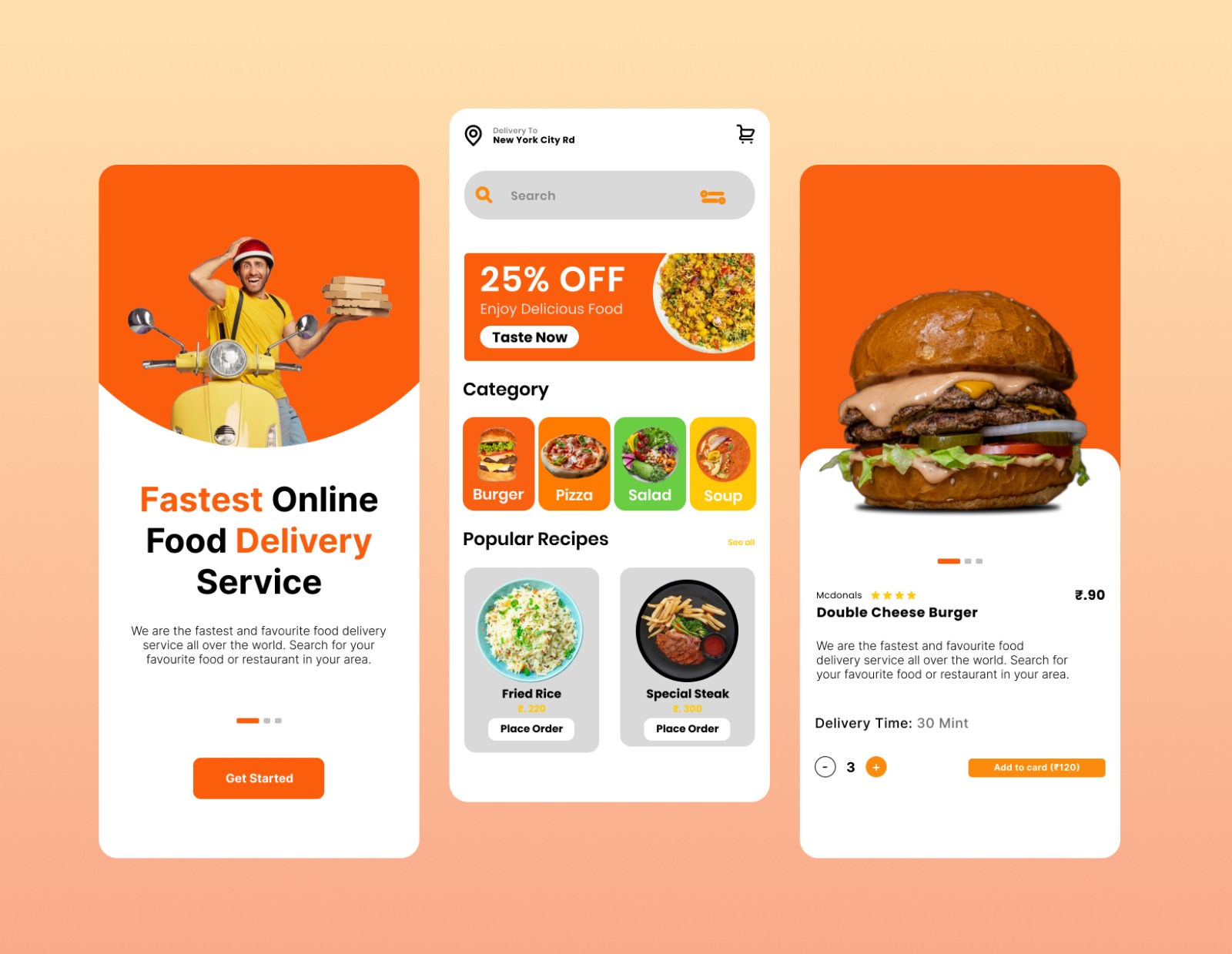
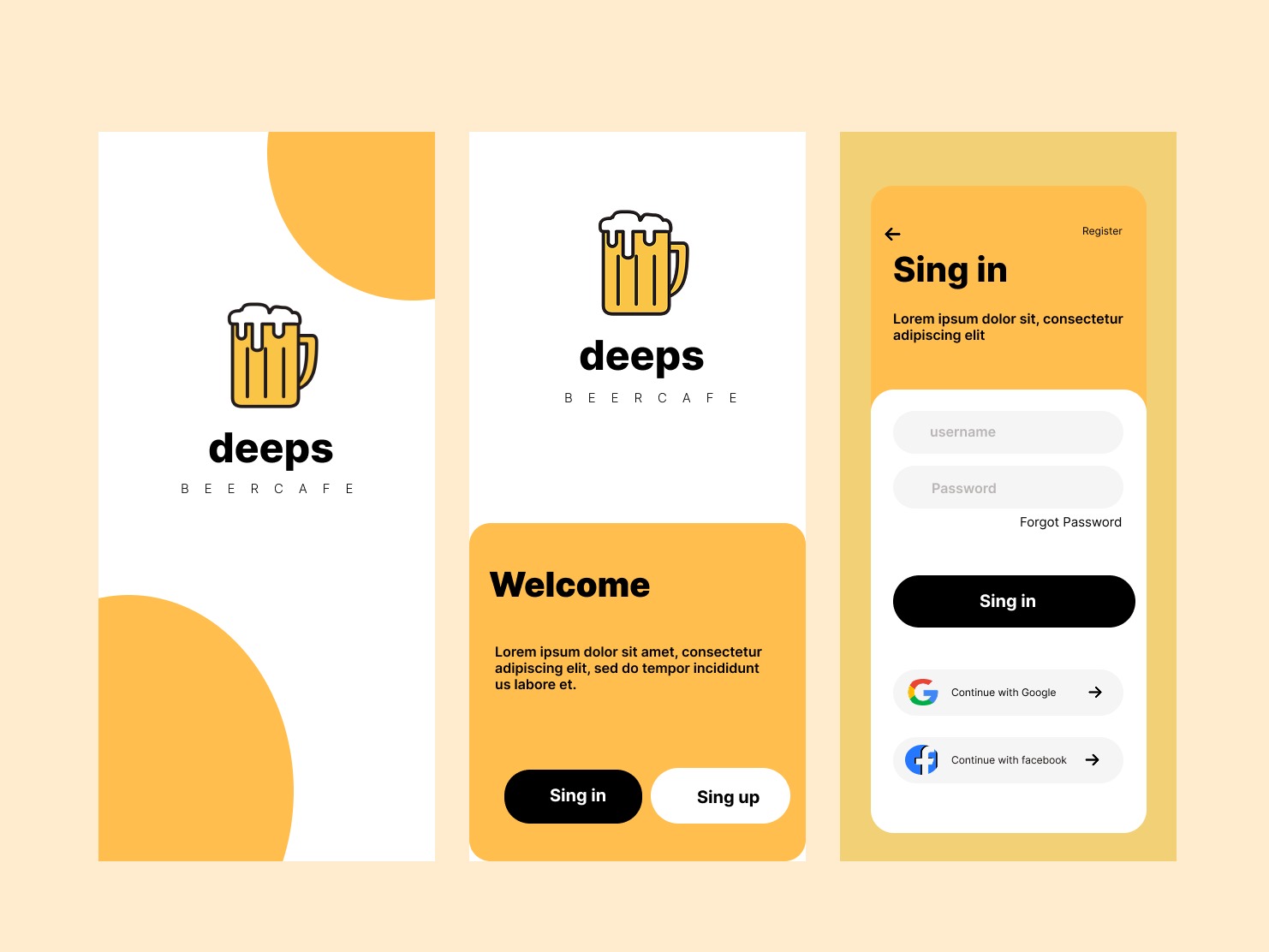
Real work created by our students during the course — branding, social media, motion reels, posters, and identity systems.

Our Placements
Our graduates have been placed at leading agencies, brands, and studios across India.
Frequently Asked Questions
Have a question not covered here? Reach out to our design leads directly and let's structure your customized creative path.
Ask Our LeadsYou will master Adobe After Effects as the core tool, along with essential plugins. Premiere Pro and AI animation tools are also covered.
Not necessarily. We cover foundational design principles within the course. However, prior Graphic Design knowledge is a plus.
Yes, 100% placement support including portfolio reviews, agency introductions, and freelancing mentorship is provided.
Let's Build your
Creative Future
Schedule a free demo class and talk to our expert team about how this course can transform your creative career from day one.
Schedule a Demo