About the Course
Our Graphic Design course is built with 100% hands-on practical learning. Master Adobe Photoshop & Adobe Illustrator to become a confident graphic designer and freelancer.
No prior design experience required — we teach everything from basics to advanced level.
What You'll Get
2 Months
Online & Offline
Beginner to Advanced
100% Practical & Project-Based
Interactive Road Map
A structured 4-phase learning path taking you from foundations to industry-ready professional.
- DAY 1 - Interface Introduction, Workspace Setup, Canvas, File Menu, Save & Export Options
- DAY 2 - Selection Tools, Marquee Tool, Lasso Tool, Quick Selection & Refine Edge
- DAY 3 - Transform Tools, Warp, Perspective, Distort & Free Transform
- DAY 4 - Crop Tool, Frame Tool, Slice Tool & Eraser Tools
- DAY 5 - Brush Tool, Clone Stamp, Painting Techniques, Blur & Sharpen Tools
- DAY 6 - Design Fundamentals & Design Principles
- DAY 7 - Color Theory, Color Psychology & Color Harmonies
- DAY 8 - Typography, Font Pairing & Text Styling
- DAY 9 - Composition, Rule of Thirds, Golden Ratio & Framing
- DAY 10 - Lighting, Shadows & Camera Angle Understanding
Photo Manipulation & Portrait Retouching
- DAY 1 - Pen Tool & Vector Shape Design
- DAY 2 - Layers, Smart Objects & Window Panels
- DAY 3 - Text Design, Shapes & Poster Design
- DAY 4 - Edit Menu, View Options, File Settings & Alignments
- DAY 5 - Photo Manipulation & Layer Masking
- DAY 6 - Adjustments & Professional Photo Grading
- DAY 7 - Filters & Creative Effects
- DAY 8 - Blending Modes & Advanced Layer Effects
- DAY 9 - GIF Creation & Timeline Animation
- DAY 10 - Portfolio Artwork Creation & Final Project
Festival Posts, Manipulation Posters, Vector Designs
- DAY 1 - Interface Introduction, Panels & Workspace Setup
- DAY 2 - Document Setup, File Menu, Save & Export
- DAY 3 - Basic Shapes, Artboards & Selection Tools
- DAY 4 - Vector Design & Pen Tool Practice
- DAY 5 - Shape Builder Tool & Pathfinder
- DAY 6 - Transform Tools, Brush Tool, Slice & Shaper Tool
- DAY 7 - Rotate, Scale & Width Tool
- DAY 8 - Perspective Drawing & Design
- DAY 9 - Gradient Tool & Mesh Tool
- DAY 10 - Image Trace & Edit Options
Logos, Vector Artwork, Illustration Mockups
- DAY 1 - Blend Tool, Swatches, Patterns & Symbols
- DAY 2 - Creative Concepts & Logo Design
- DAY 3 - Banner Design & Poster Design
- DAY 4 - Illustration & Vector Artwork
- DAY 5 - 3D Revolve & 3D Effects
- DAY 6 - Effects & Appearance Options
- DAY 7 - View Options, Window Panels & Appearance Settings
- DAY 8 - Object Tools & Advanced Editing
- DAY 9 - Print Design, Packaging Design & Mockups
- DAY 10 - Product Design, Placement Design & Final Assignment
Packaging Design, Tri-fold Brochures, Logo Presentations
What you will Learn in our
Graphic Design Course
Adobe Photoshop
Master photo editing, manipulation, color grading, retouching, and double exposure effects.
Adobe Illustrator
Master vector artwork, logo design, illustration, product packaging, and print mockups.
Design Fundamentals
Learn typography, color theory, font pairing, rule of thirds, lighting, and composition.
Real Projects
Build a solid portfolio with 20+ assignments including festival posts and digital scenes.
Student Work Gallery
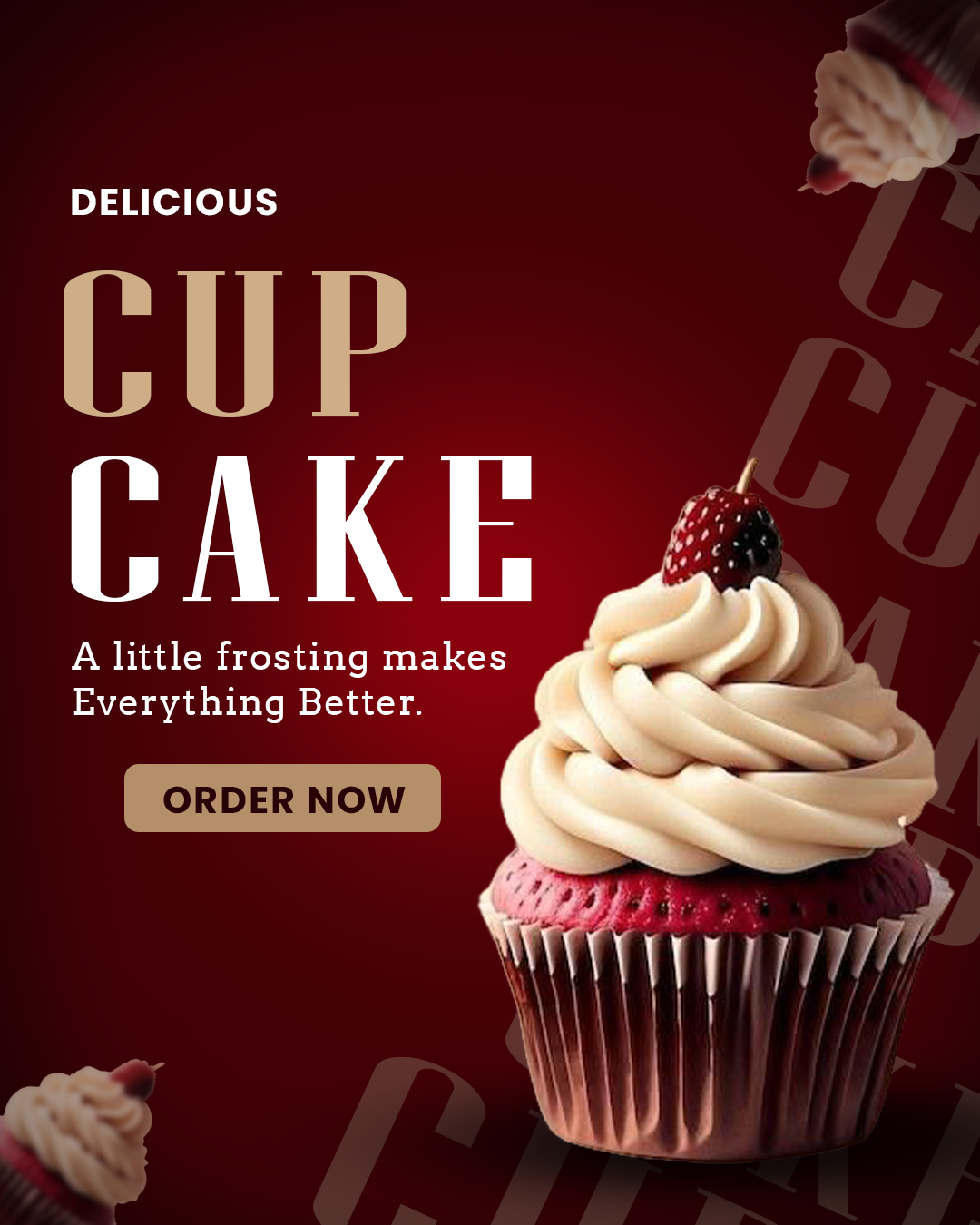
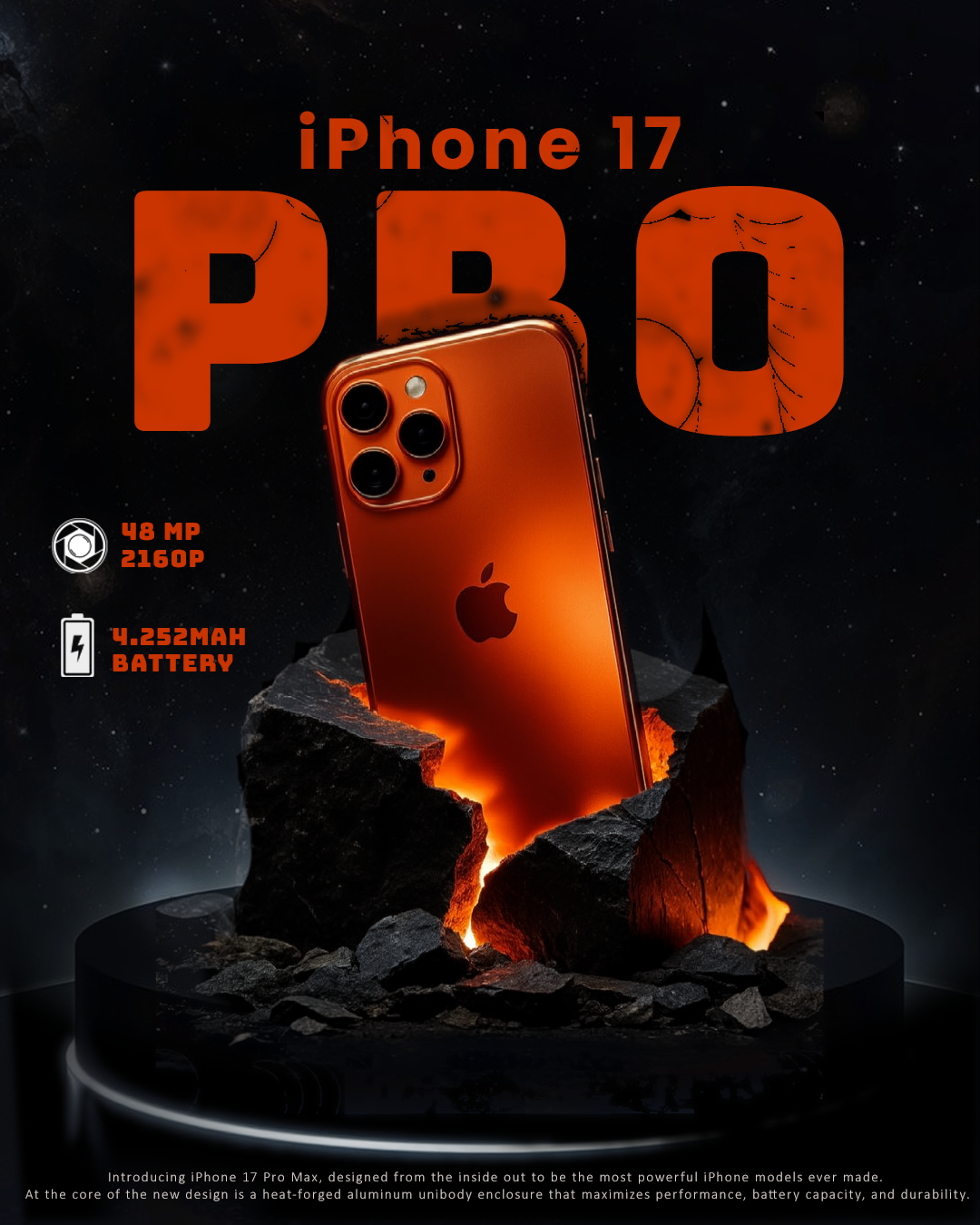
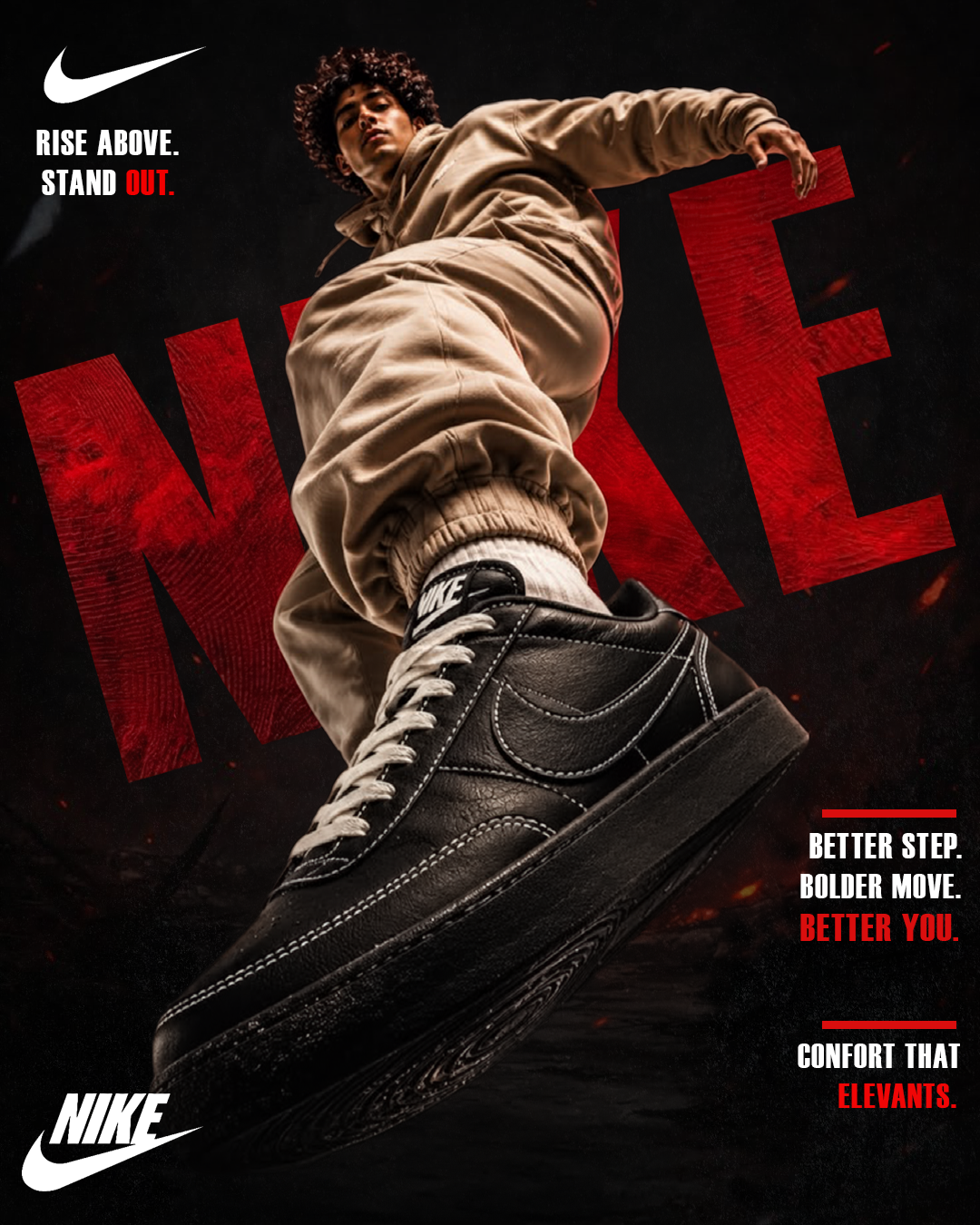
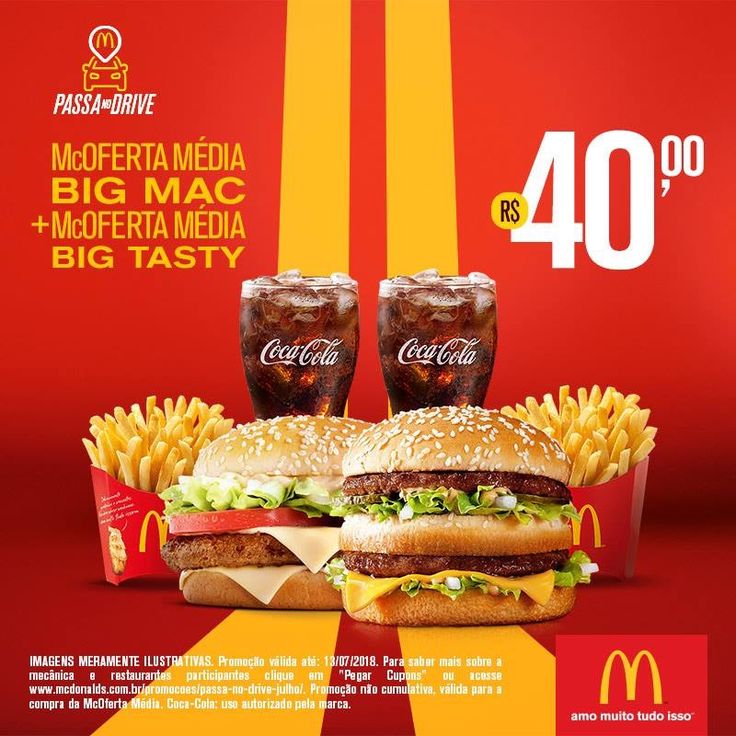
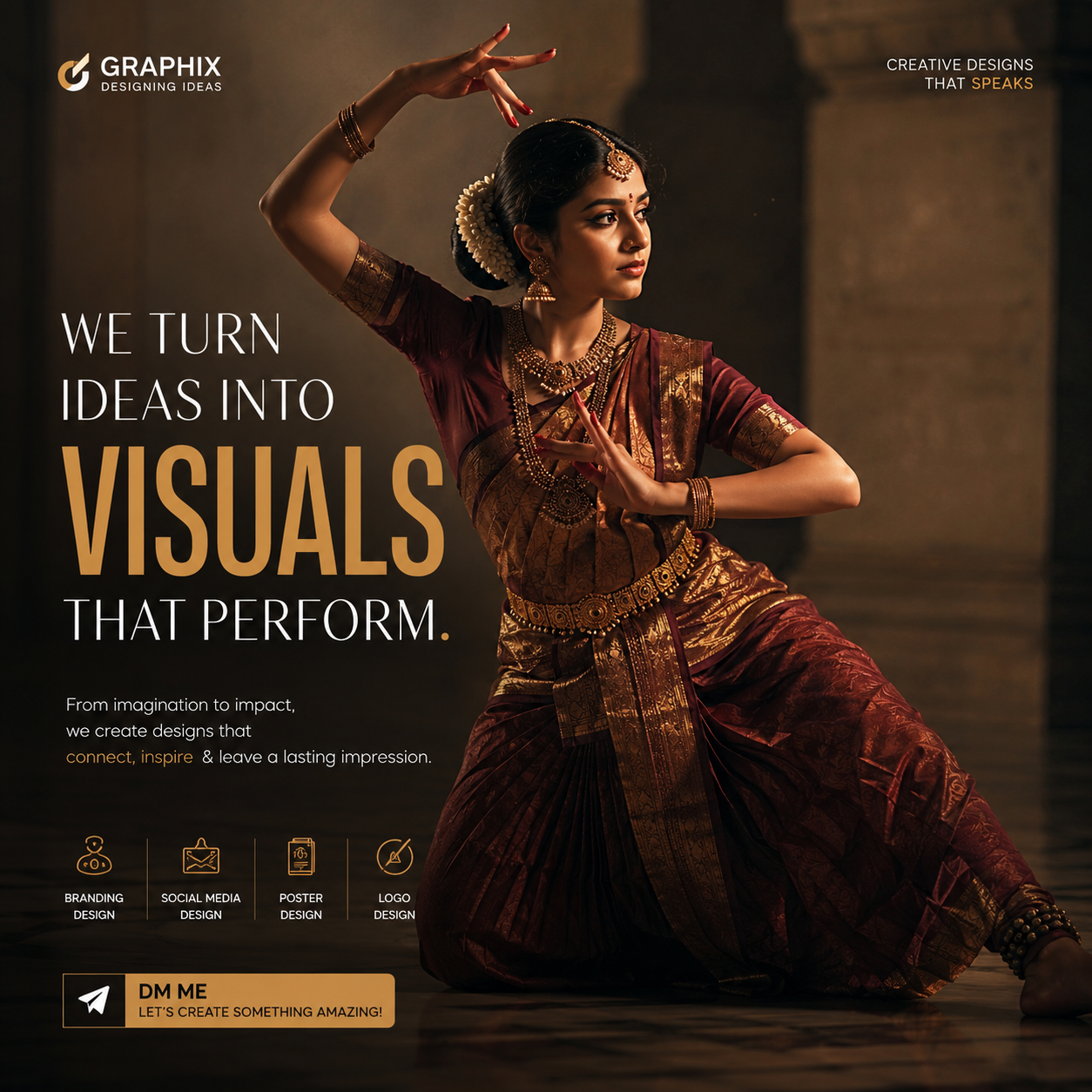
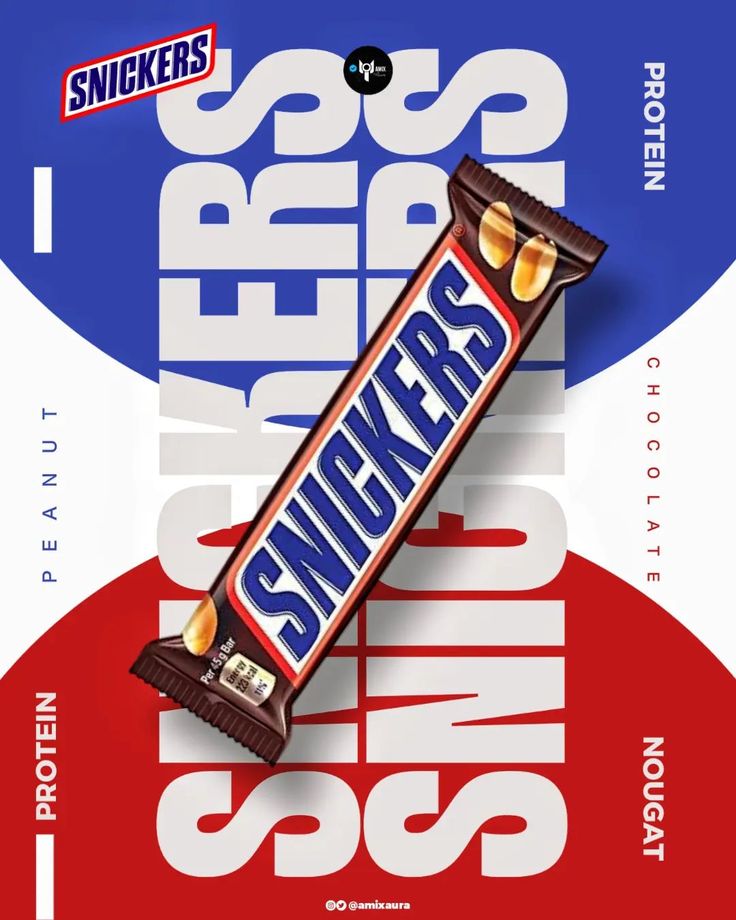
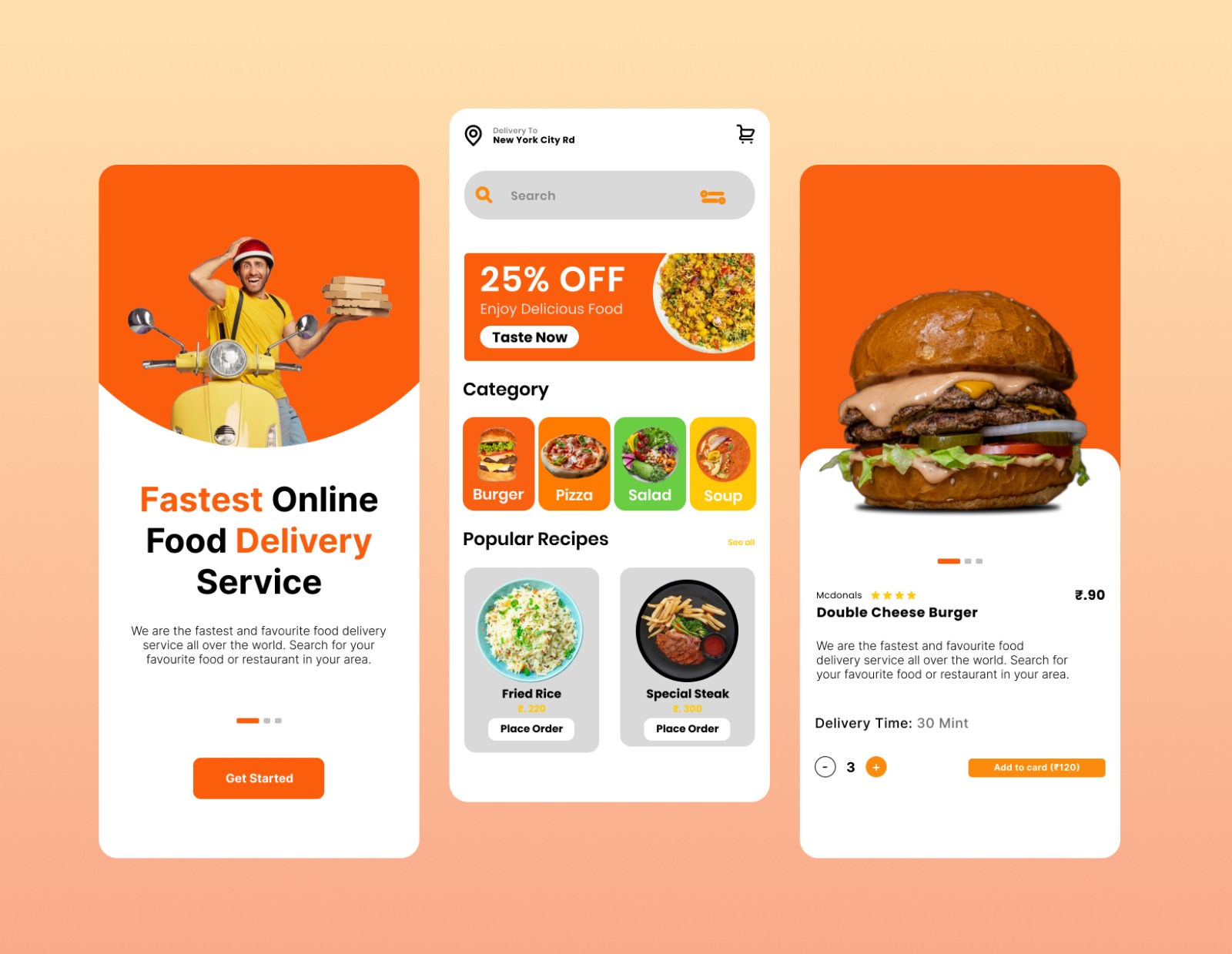
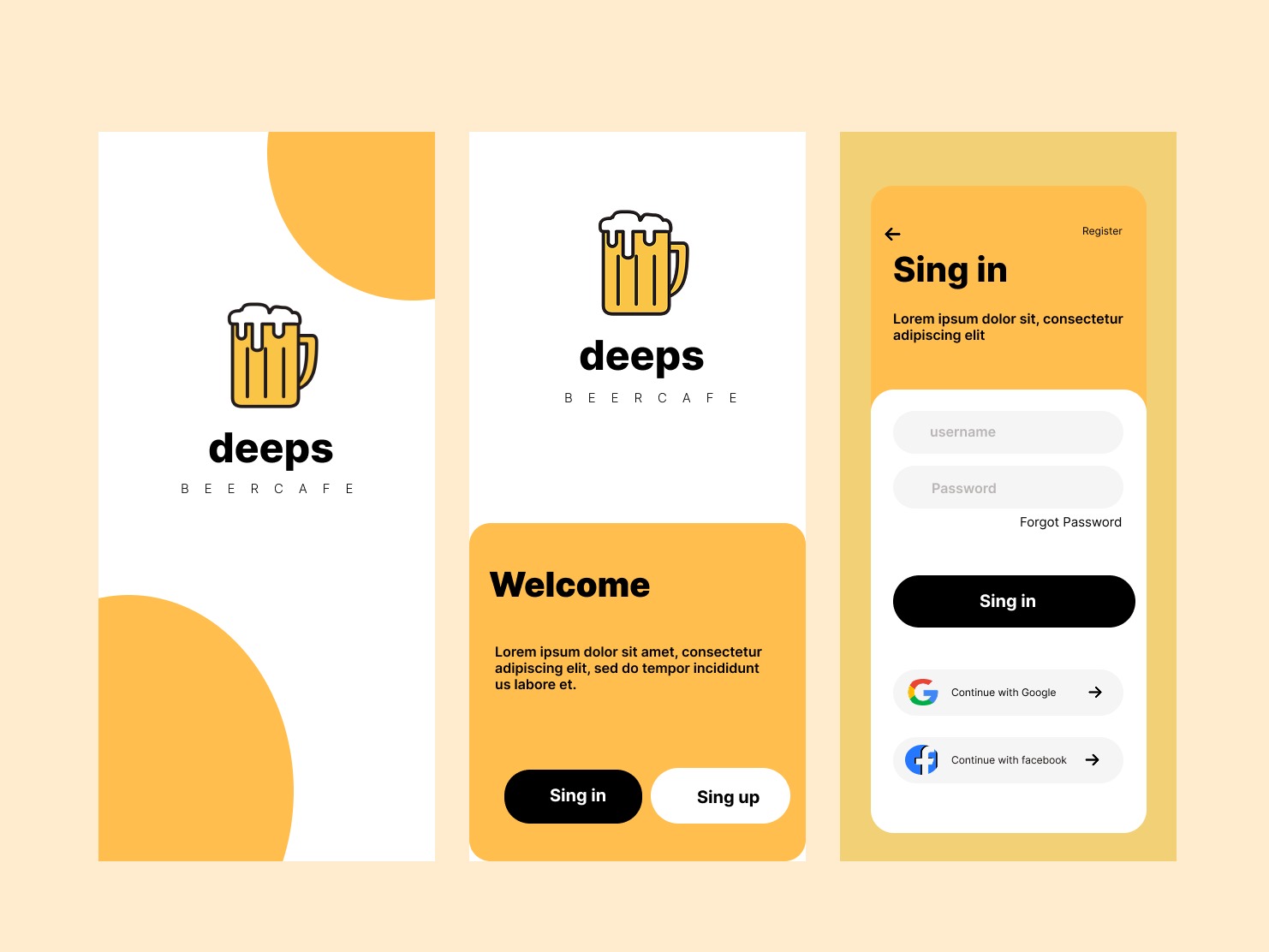
Real work created by our students during the course — branding, social media, motion reels, posters, and identity systems.
Our Placements
Our graduates have been placed at leading agencies, brands, and studios across India.
Frequently Asked Questions
Have a question not covered here? Reach out to our design leads directly and let's structure your customized creative path.
Ask Our LeadsThe Graphic Design course is 2 months long, covering Adobe Photoshop, Adobe Illustrator, design principles, branding, and freelancing.
Yes! Classfort Institute offers both online (live interactive) and offline (classroom training at our Vadodara campus) modes.
No, this course is completely beginner-friendly and starts from the interface setup and basic tools to advanced manipulation and print design.
Yes, you will work on 20+ assignments including character design, product packaging, and logo designs to build a polished creative portfolio.
Let's Build your
Creative Future
Schedule a free demo class and talk to our expert team about how this course can transform your creative career from day one.
Schedule a Demo